
This is some research on Parallax Effect ,it's in video form and these video showing that some example and some profeesional work.
First of all , I will talk about what is parallax effect .Parallax effect means a short animation by using a still-photo . In other words, we download a image from the web and then we animated the image in After Effect .
This is some of the image that I downloaded from the web .


1. We open the photo that we recently downloaded in photoshop. Hence , we use lasor tool to cut out the main object or the object you want to animate. For,example, I cut out the panda in this image

2.After cutting finished with the lasor tool. Then click>Copy >Paste . There will be a new layer of the panda (object). Therefore ,it'll become like this .

3.Next, we need to animated in the After effect. So ,before we move into after effect, we need a foreground and a background. Use lasor tool again to cut the front area /surface to make it look 3d while comes to AE.

4.After that , Click the *background layer and then go to > Edit> Fill > Content aware . Then , you should be able to get this kind of image .

5.Same goes to this one too. This one is the original image.

6.First, cut out the tiger.

7.Hence, cut out the water splash too. If found that that is very difficult to cut the water ,you can try magic wand and diselect the thing you don't want to cut.

8.After that,click the background layer >Edit>Fill>Content Aware.

9.This one also the same .

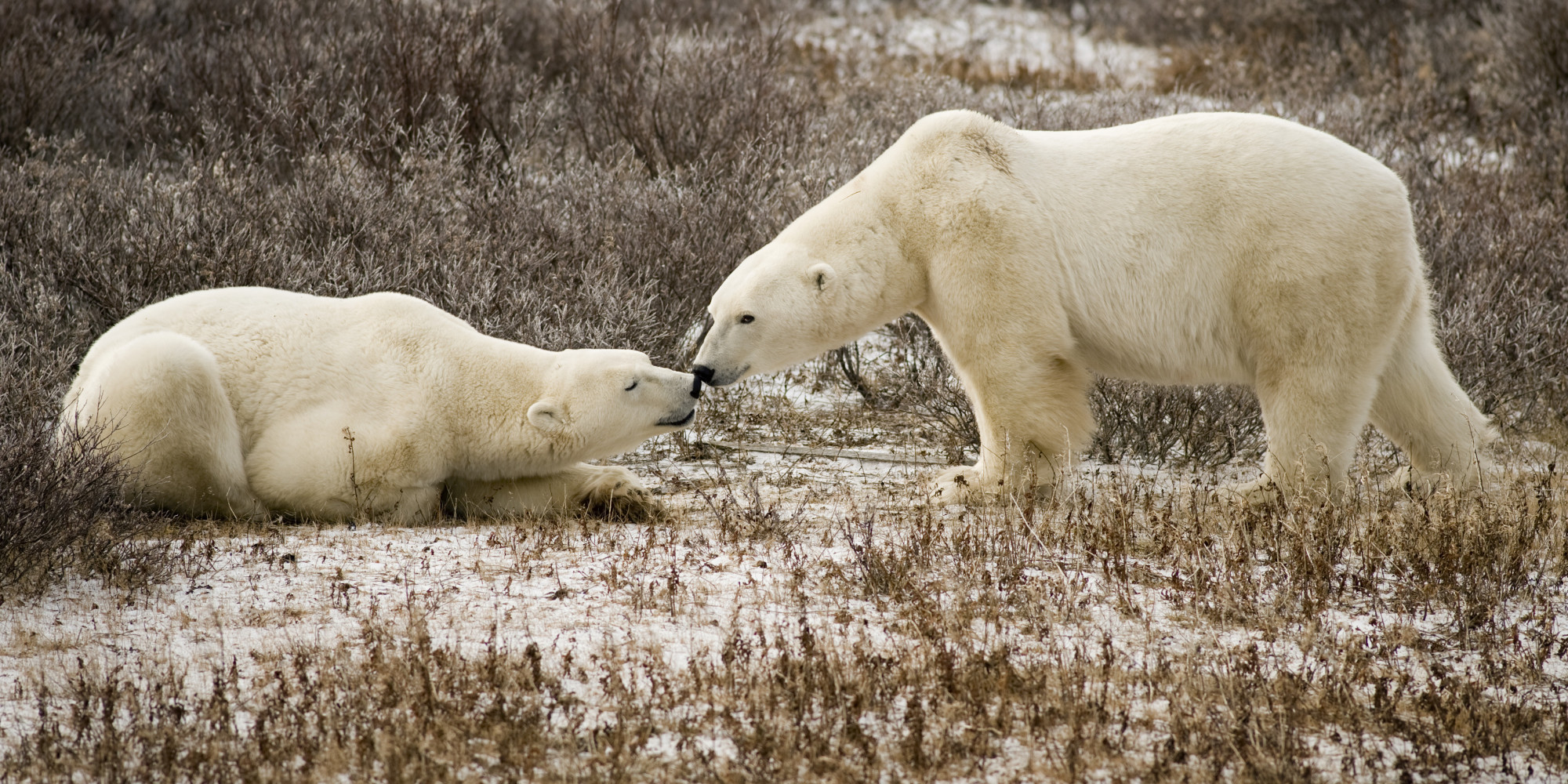
10.First , cut out the polar bear .


11.select the left polar bear together with the right side polar bear , and then click> Merge layer.

12.This will obtained if use the same way too. Select the background layer > edit>fill>content aware .

13.After that, open AE,import the PS file and before that create a new composition . Just hold Ctrl+N.Start editing . Can use one of the features called Puppet pin, which allow us to move the object or animate the object.

14.Can adjust the color also by using color correction . After that ,you can add some effect ,such as camera lens blur effect , text effect (Words) ,or depth of field of the camera .

15.Adjust the camera and it is better to move the background at the back and the object infront .This will make the 3D feel and if the camera zoom in , the background become blur (Increase the Aperture too).

16.Add audio to make it more nicer.

17.After finished editing , I start rendering by clicking Ctrl+M (add render Queue). Check some of the setting is it corresct and suitable .


No comments:
Post a Comment